Modules / Route planning

More visits a day, every one on the record.

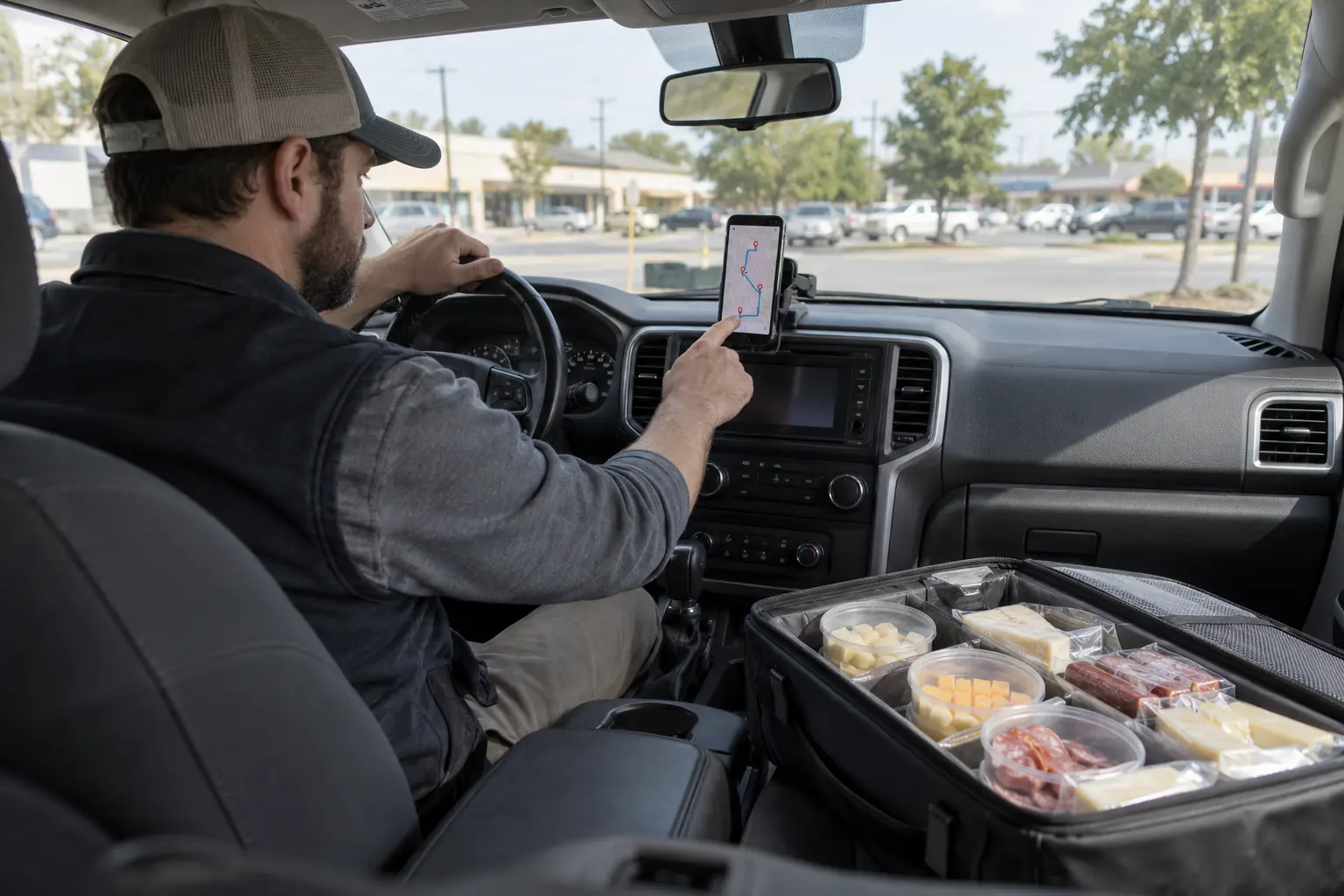
Pick the accounts, set a start and a departure time, and get an ordered route with arrival times and a multi-stop map. Every visit outcome lands back in the CRM.

What your AI does here

Work that used to wait for you.

  1. 01
    Builds a visit route from CRM accounts
  2. 02
    Orders stops and estimates arrival times
  3. 03
    Opens the whole route as one multi-stop map
  4. 04
    Logs each visit's outcome on the account
  5. 05
    Suggests who is due for a visit next

Plan

A day of visits in one tap

Choose the accounts to see, a starting point and a departure time. Padrino returns the stops in order with estimated arrival times and one map link that opens the full route.

Stops are companies, not contacts, so a business with three buyers is still one visit.
Record

What happened at every stop

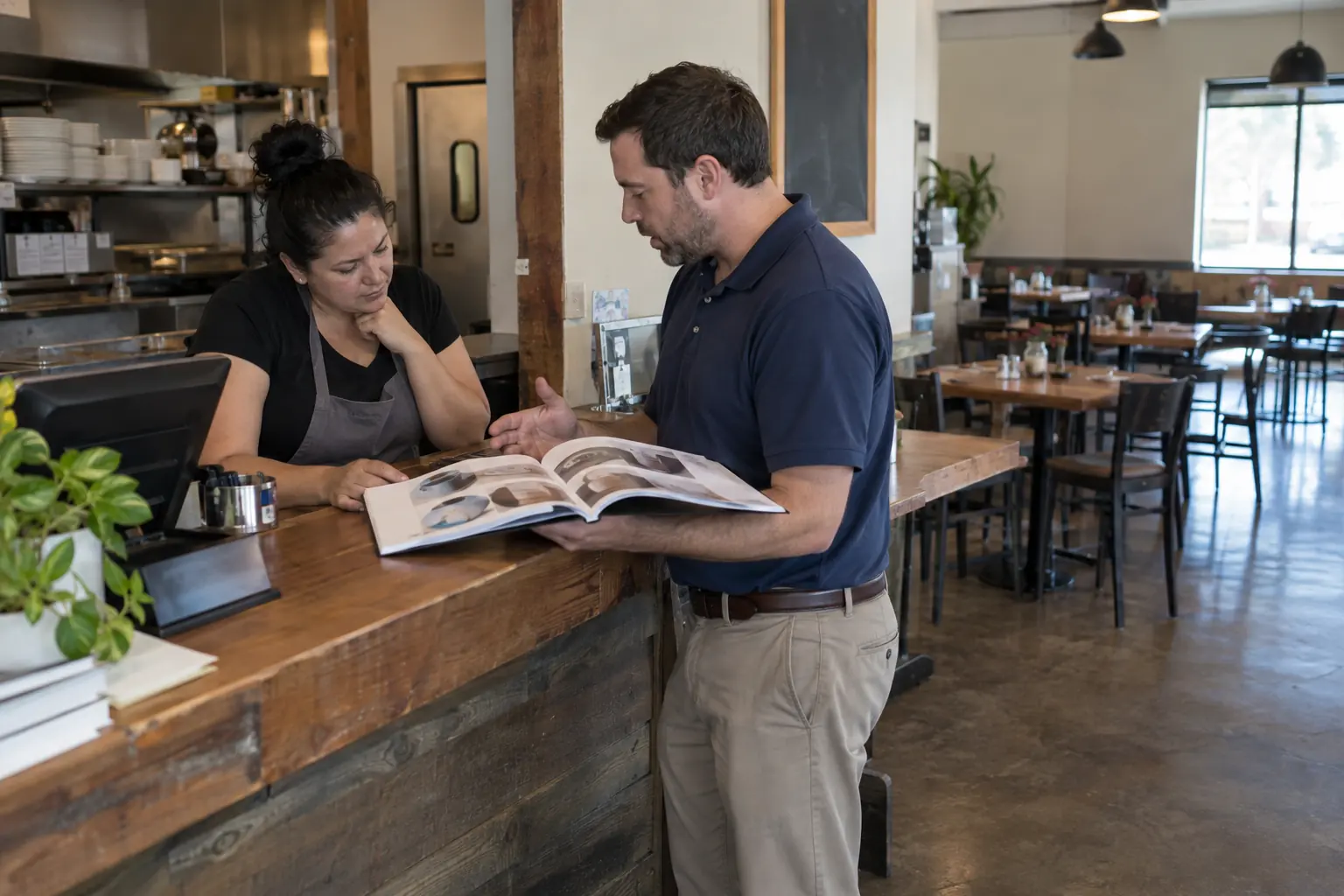
After each visit, log the outcome in a line. It is saved on the stop and on the customer's CRM timeline, so the next conversation starts where this one ended.

Your AI turns outcomes into follow ups: a quote to send, a sample to ship, a callback next month.

Gk Grok in Route planning

Built Tuesday's route: 9 accounts in Henderson, first stop 8:30. Three are overdue for a visit; I put them first.

Questions

What is sales route planning software?

Software that orders a day of customer visits into an efficient route with arrival times, and records what happened at each stop.

Does it work with my CRM?

It is built on Padrino's CRM: routes are built from your accounts and outcomes are logged back to them.

Can I open the route in Google Maps?

Yes. Each route comes with a single multi-stop map link.

Is it good for small sales teams?

Yes. It is designed for reps who visit their accounts in person and need the visits on the record without extra typing.

Give your AI a business to run.

Start with one connected system instead of assembling a stack of subscriptions first.