
Modules / Documents

Every file, where it belongs.

Contracts, receipts, W-9s, estimates and photos attached to the customer, project or transaction they belong to, filed by your AI and protected by permissions.

What your AI does here

Work that used to wait for you.

  1. 01
    Files documents on the right customer, project or entry
  2. 02
    Reads receipts, bills and contracts for the key details
  3. 03
    Requests missing W-9s and signatures
  4. 04
    Finds any document by what it is about
  5. 05
    Keeps a history of who opened or changed what

Filing

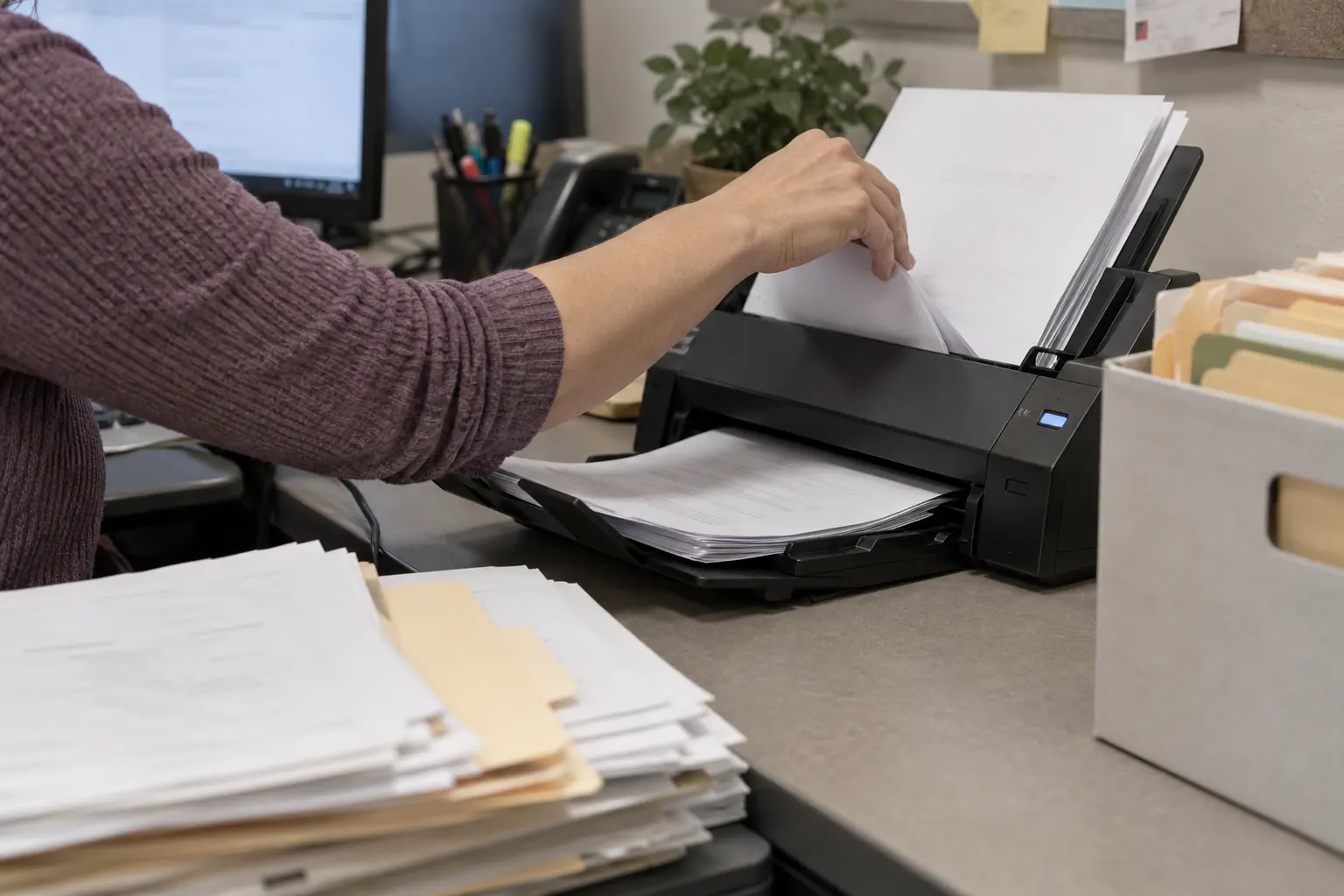
Send it once, it lands in the right place

Forward an email, text a photo or drop a PDF. Your AI reads it, works out what it is and files it on the customer, project or transaction it belongs to.

A signed contract attaches to the job and the deposit invoice. A receipt attaches to the entry it explains.

Control

Permissions for people and agents

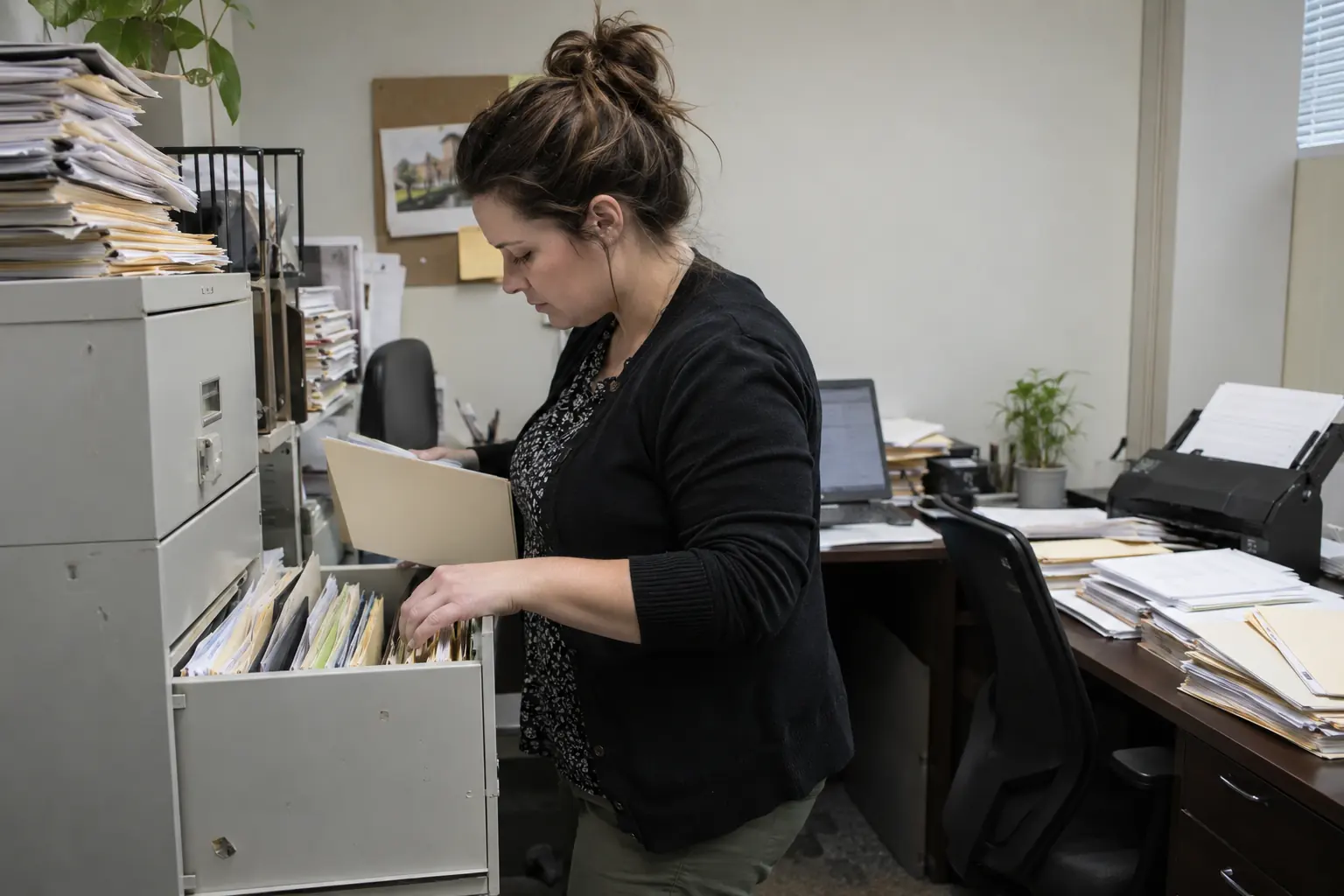
Each person and each AI key sees only what it should. Payroll documents stay private; job photos are shared with the crew.

Every open, upload and change is recorded, so you can always answer who saw what and when.

GPT ChatGPT in Documents

Filed the signed contract under the Henderson project and attached it to the deposit invoice.

Questions

What is AI document management?

Document storage where an AI agent reads, names and files documents onto the records they belong to, and can find them again by meaning.

Can the AI read receipts and contracts?

Yes. It extracts the details that matter, such as amounts, dates, parties and terms, and links the document to the right record.

Who can see my documents?

Only the people and AI keys you permit. Access is set per person and per key, and every access is logged.

Do I still need a separate drive?

For business records, no: documents live next to the customers, projects and transactions they belong to.

Give your AI a business to run.

Start with one connected system instead of assembling a stack of subscriptions first.